Point
Double-tap Control, or click the ball. Hover, then click the element.
Made for the Palantir Product Design Show & Tell. v0.4 built in 3 hours. See the commits ›
Deixis for Mac
Point at one element in any app. Your coding agent gets the element, not a screenshot.
macOS 15 or laterApple silicon and IntelFreeNo account

captureButtonDouble-tap Control, or click the ball. Hover, then click the element.
Type what should change. Enter captures. Esc cancels, nothing written.
Into Claude Code, Cursor, or Codex. The image path comes first.
The overlay over Calculator. Every frame is a real capture.
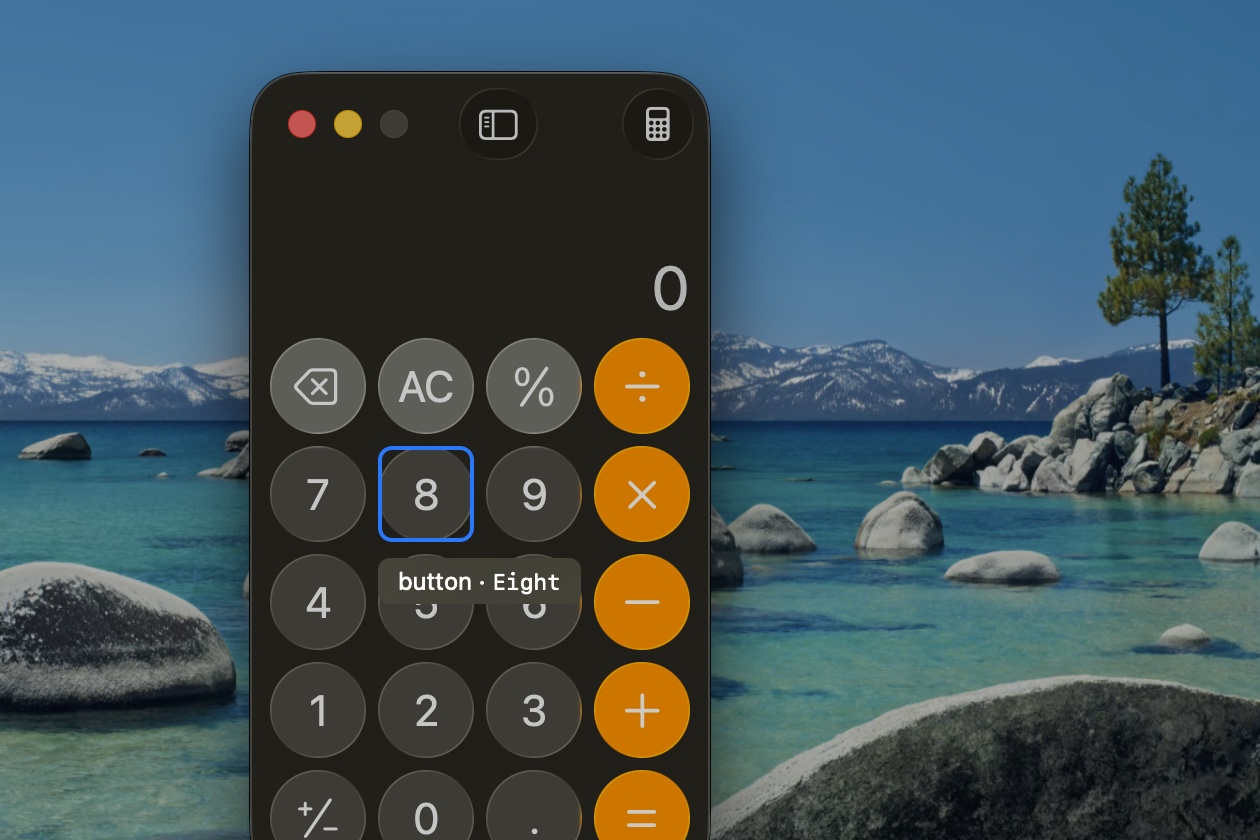
The element under the cursor and its identifier: button · Eight.
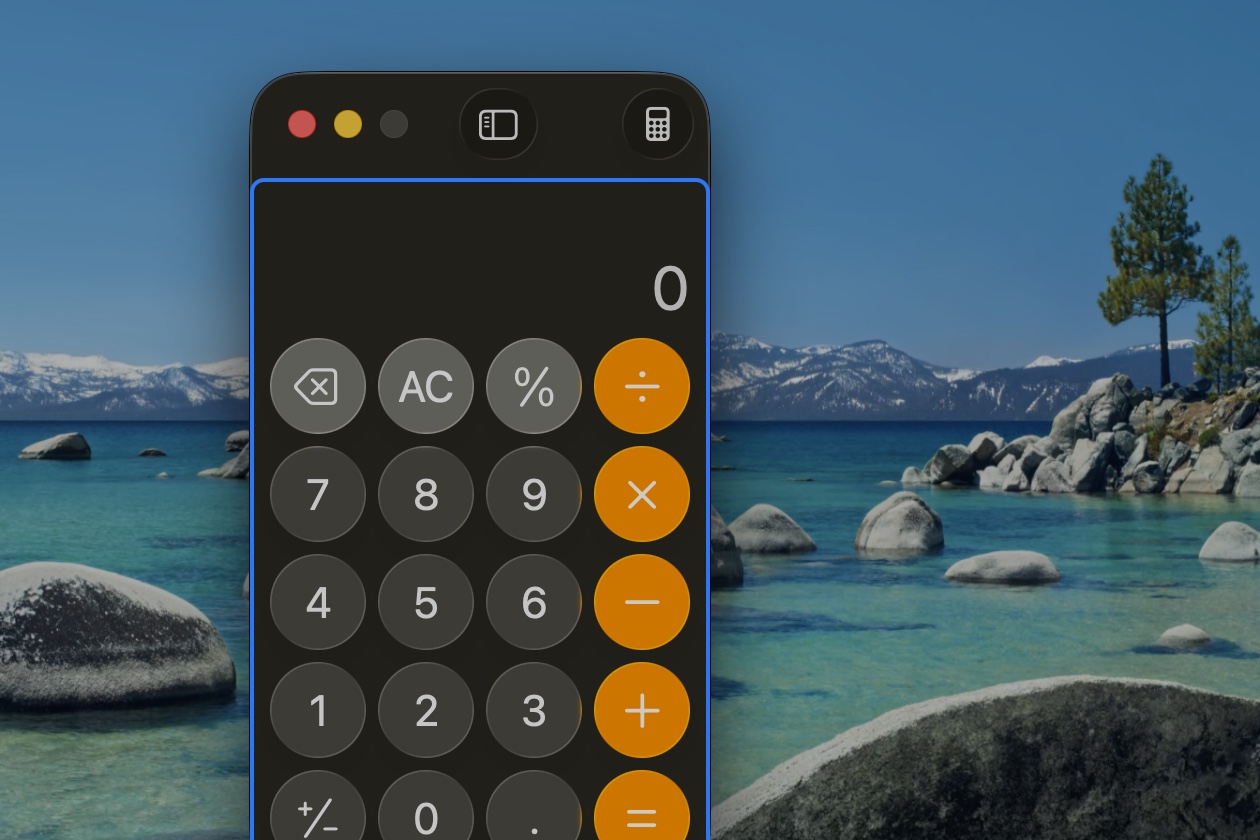
Steps to the parent: group · CalculatorKeypadView. Again for the next level.
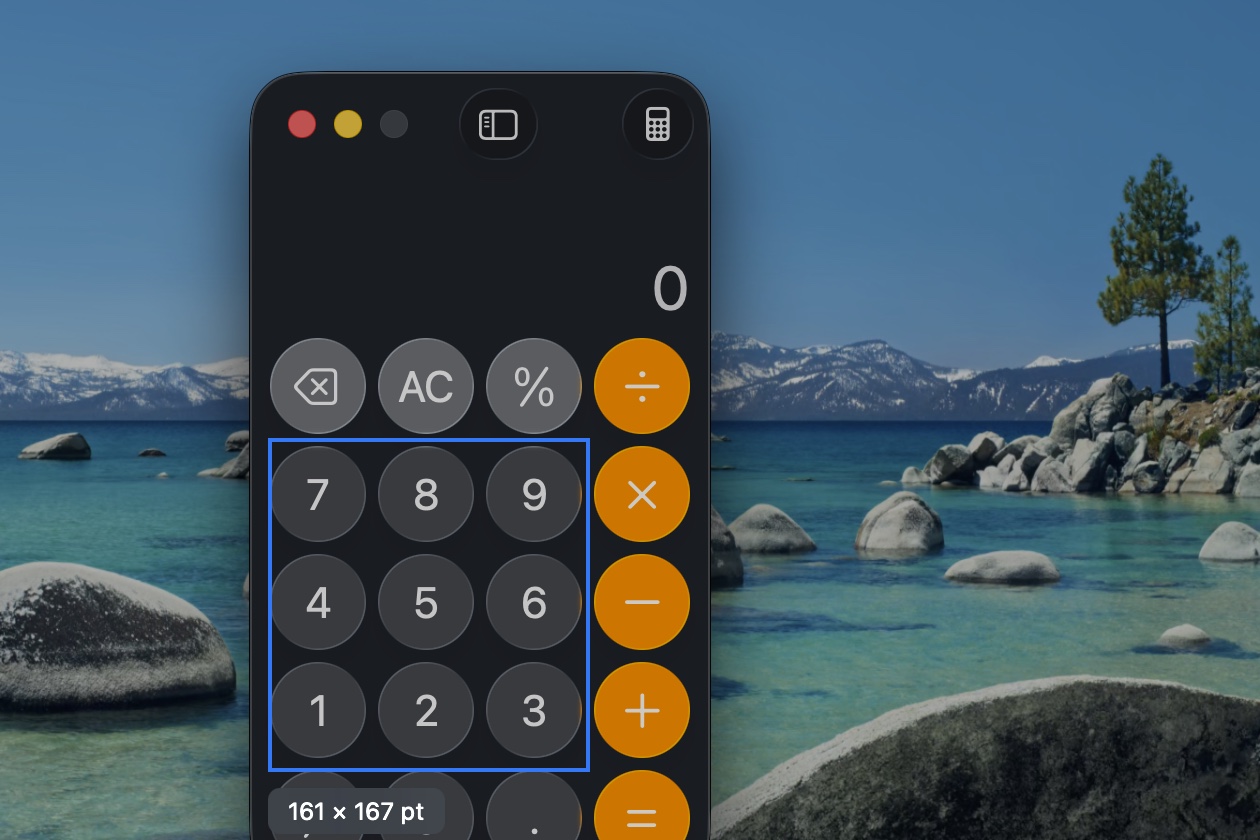
A frame, with every element inside it listed for the agent.
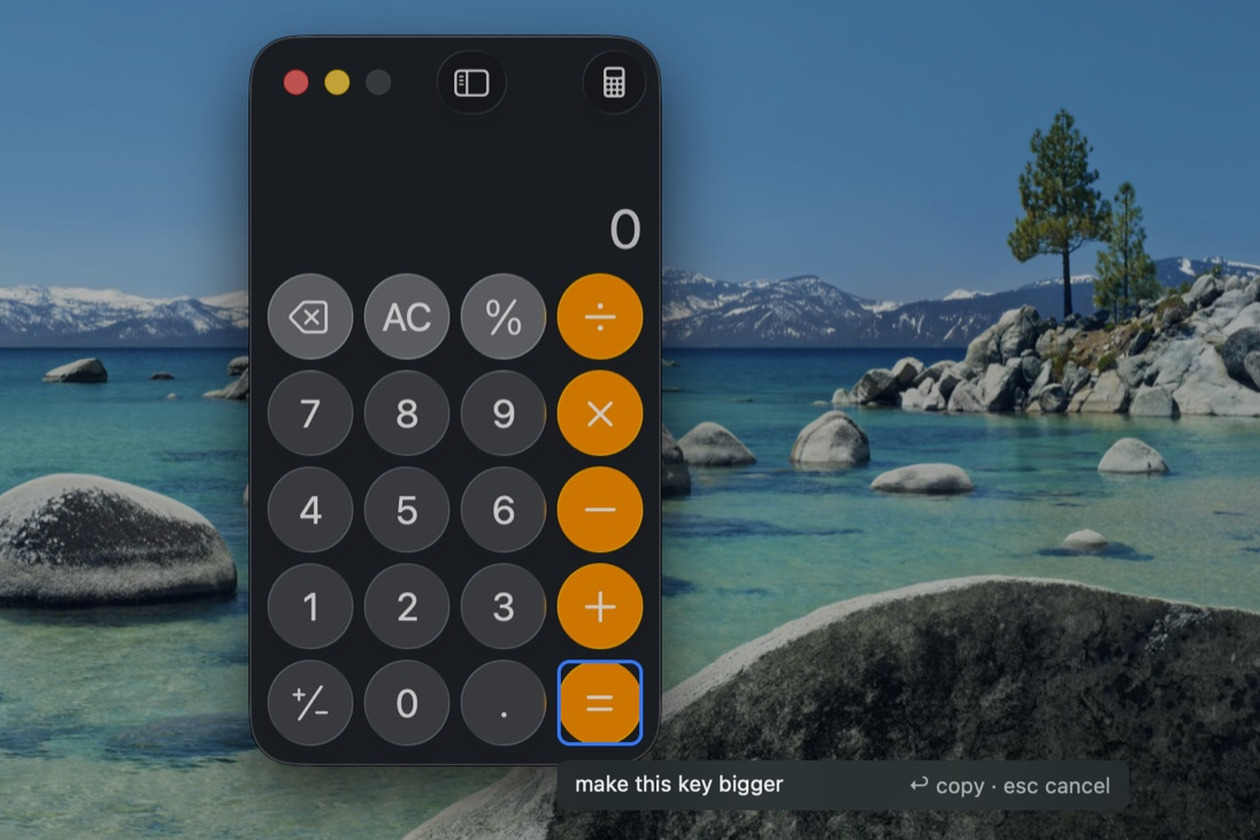
Click, say what should change, Return. Esc cancels, nothing written.
A glass disc that lives at the edge of the screen and stays out of the way until you reach for it.
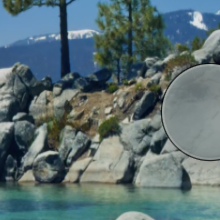
After two seconds without use it tucks into the nearest edge, part of it showing.
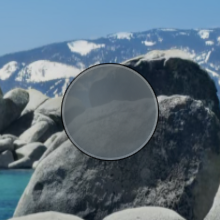
Move toward it and it comes back out. Drag it anywhere.
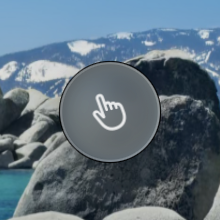
Under the cursor the hand appears. Click to point.
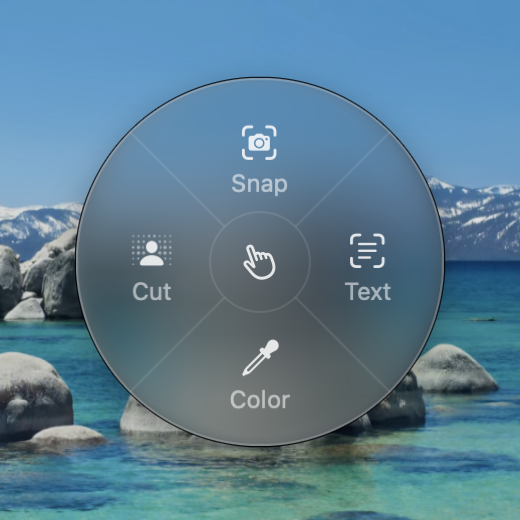
Press and hold for Snap, Text, Color, and Cut. Release on one.
Enough to find the right file on the first try.
## Deixis capture (fix)
Image: ~/Pictures/Deixis/deixis-simulator-20260913-153012-k7q2.png
App: Simulator (com.example.myapp) · Window: iPhone 17 Pro
Captured: 2026-09-13 15:30 · Image region: 450×130 pt @2x (element + 40 pt)

### Target element
button · id=captureButton
Frame: x=43 y=894 w=370 h=50
Path: application > window > group > group > button#captureButton

### Note
make this rounded, match the other pills
Deixis steps down a ladder and says which rung it reached.
id=captureButtonElement with a declared identifier. The best case.
Label only. The nearest labeled neighbors are named too.
Drawn frame. Drag on the overlay; everything inside is listed.
Text and neighbors. Words in the image are recognized.
Image. The payload says so, and still carries your note.
Press and hold the ball for the ring.
A region or a window, as a PNG.
Keeps a file
Recognized lines, to the clipboard.
Keeps nothing
Hex, rgb(), hsl(), or SwiftUI Color. sRGB or Display P3.
Keeps nothing
The subject on a transparent background.
Keeps a file
After the agent's edit, choose Capture after. Deixis finds the same element in the running app, captures it again, and shows both with the diff beneath.
The one place Deixis is a window. Every default works on first launch.
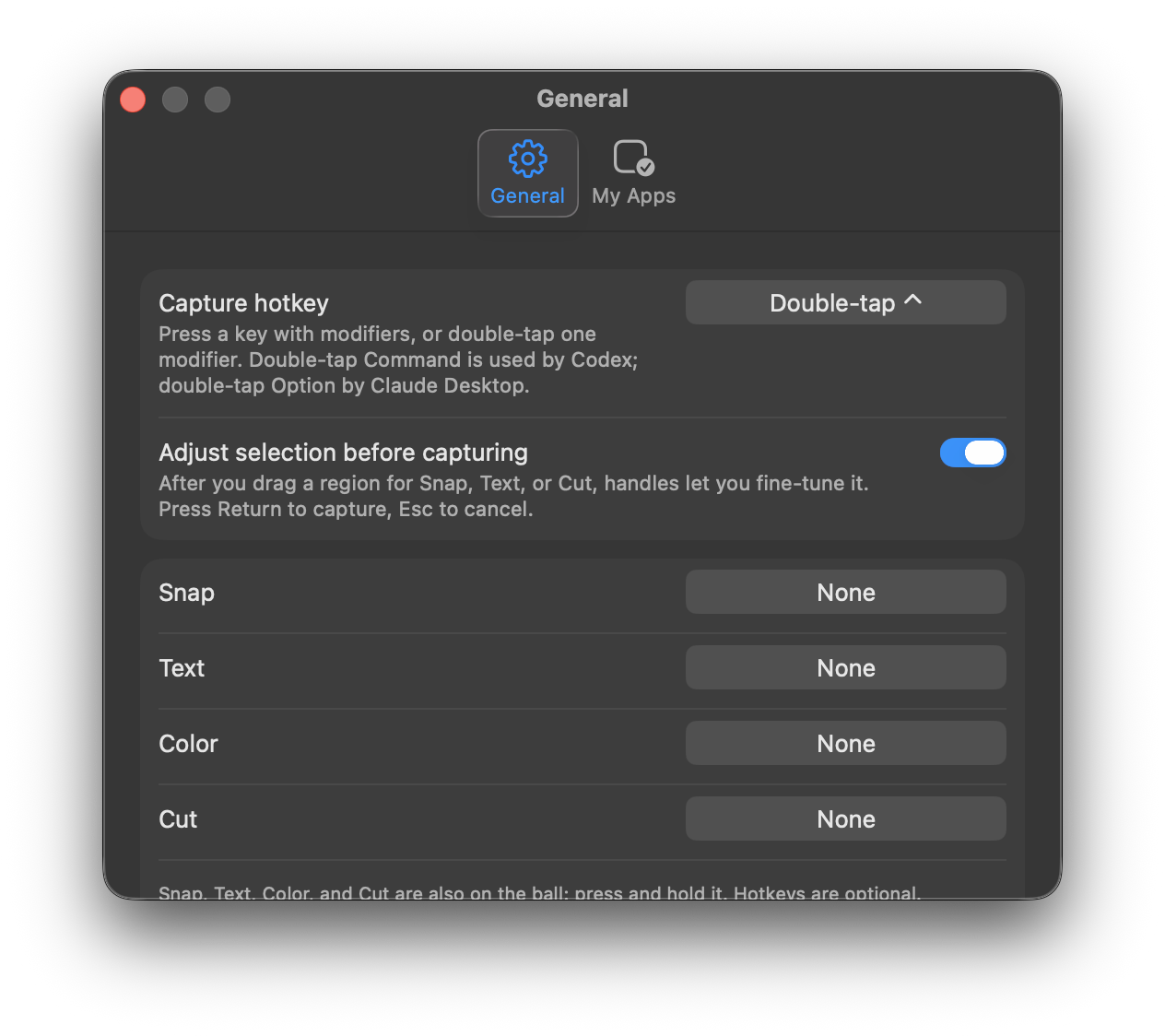
Accessibility reads what is under your cursor. Screen Recording captures the pixels. There is no third prompt.
No network, no telemetry, no accounts. Captures stay in your Pictures folder and go to the Trash after 30 days unless pinned.
Every build is signed with a Developer ID and notarized by Apple. A dmg, not the App Store.
No Dock icon. Idle memory under 30 MB. Nothing pulses, bounces, or waits for you.
The payload is plain Markdown, so any agent takes it on paste. Whether it also opens the image, as of version 0.5:
SwiftUI, AppKit, and the iOS Simulator work well. Electron and Chromium apps build their tree on first contact, so the first hover can take half a second.
Figma, games, and canvases usually reach the bottom of the ladder. The payload says so.
Press Option to step to the parent.